
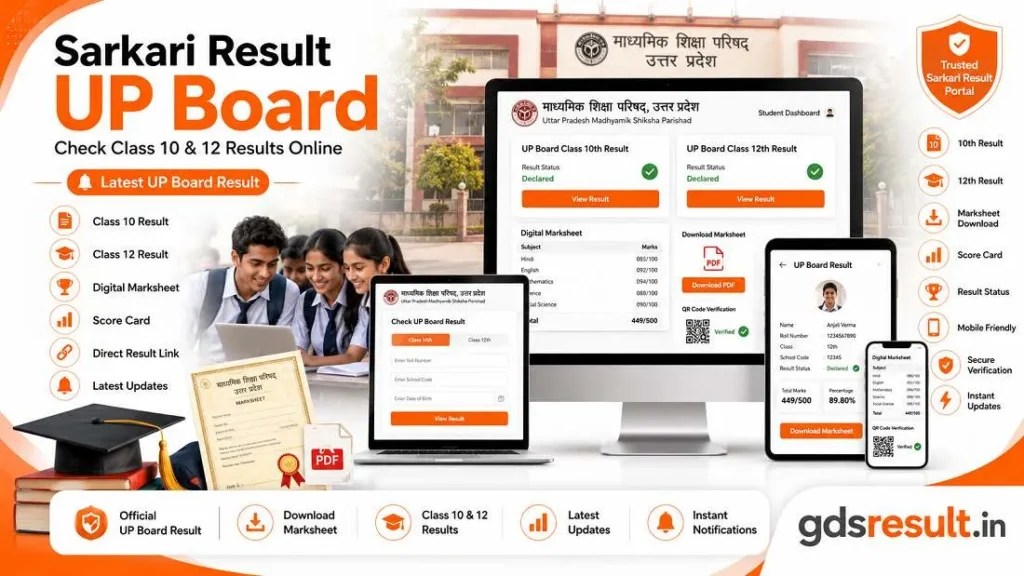
Are you looking for Sarkari Result UP Board? Do you want to check your Class 10 or Class 12 result online? You’ve come to the right place. Every year, millions of students across Uttar Pradesh eagerly wait for their UPMSP results. This simple guide walks you through everything. It covers checking your result online and downloading your marksheet. It also explains how to apply for rechecking, if needed.
What Is Sarkari Result UP Board?
Overview of UP Board Class 10 & 12 Results
The UP Madhyamik Shiksha Parishad, known as UPMSP, announces the UP Board Class 10 and 12 results each year. The UPMSP Class 10 (High School) and Class 12 (Intermediate) annual board exam results were announced on 23 April. They were released at 4 PM. The Class 10 and Class 12 exams were both conducted between 18 February and 12 March.
Who Can Check the Result?
All students who passed exams like the UP Board High School (Class 10) or Intermediate (Class 12) are qualified. UPMSP is the exam provider for these exams. Students can view their scores online. Students require their roll number and their date of birth to access their marksheets through official portals.
How to Check UP Board Result Online
Step-by-Step Process to Check Your Result
Follow these steps to check your UP Board result:
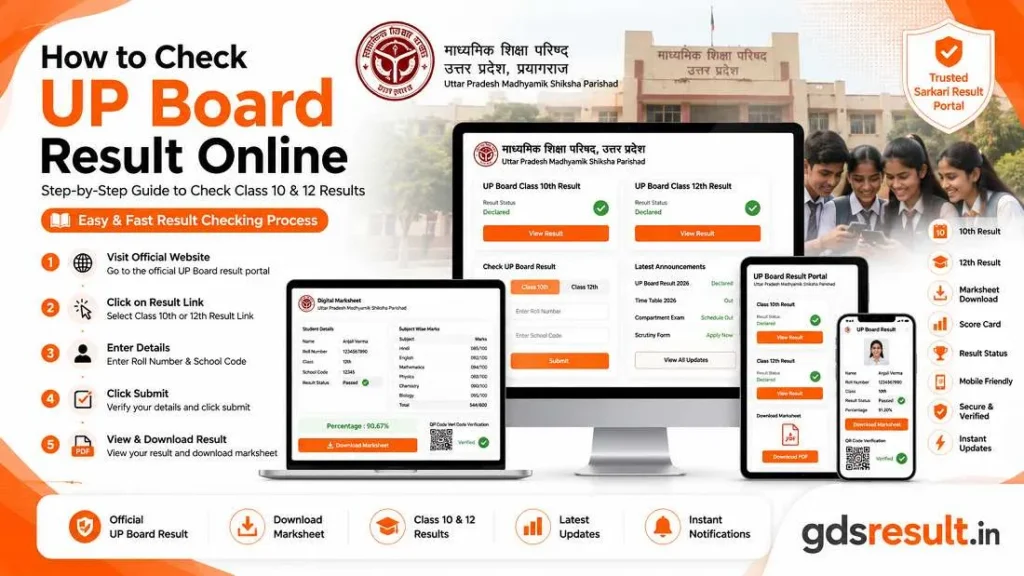
- Visit the official website at upmsp.edu.in or upresults.nic.in, or use the direct result link.
- Locate the UP Board Class 10th or 12th Result/Scorecard link and click on it.
- Enter your roll code and date of birth. Then click Submit.
- Your result will show on the screen.
- Download, save, or print the result for future reference.
Details Required to View Your Scorecard
For Class 10, you need only the Roll Number. For Class 12, you will need both the Roll Number and the School Code. Both details can be found on your UP Board Admit Card.
Details Mentioned on the UP Board Marksheet
Personal Information
The UP Board marksheet has key personal and academic details. These details were added during the Class 10 or 12 registration. This includes the student’s name, roll number, date of birth, school name, and school code.
Subject-Wise Marks and Overall Result
The UPMSP marksheet shows subject-wise marks and pass status. It also includes the student’s personal details. It also shows the total percentage and pass status of the candidate.
What to Do After Checking Your Result?
Download the Digital Marksheet
When the results are announced Candidates can sign into DigiLocker as well as the UMANG application.
They can use their roll code, date of birth, or mother’s name.
They can then download their verified digital marksheet instantly. The official portal to download UP Board results on DigiLocker is results.digilocker.gov.in.
Apply for Rechecking or Compartment (If Required)
Students who are not happy with their results can request a recheck of their marks. They can do this by filling out the form on the UPMSP homepage. UPMSP charges a re-evaluation fee of Rs 500 per subject. Students who fail in a maximum of two subjects can appear in the compartment exam conducted by UPMSP.
Frequently Asked Questions (FAQs)
When is the UP Board result declared?
UP Board Class 10th and 12th results are typically declared in April. In 2026, the result was declared on April 23 at 4:00 PM.
How can I check my UP Board result online?
Student can check their results using their roll number or enrollment number. They can use the official websites upmsp.edu.in and upresults.nic.in. They can also use the Sarkari Result platform.
What if I forget my roll number?
Your roll number is printed on your UP Board Admit Card. You can also contact your school to retrieve it. Alternatively, some result portals allow name-based search.
Is the online marksheet valid?
Issued documents in the DigiLocker system are equal to original physical documents. This is as per Rule 9A of the Information Technology Rules, 2016.
Where can I get the original marksheet?
After the online announcement, UP Board marksheets are sent to schools. Schools then give them to students after a few days.
Conclusion: Check Your UP Board Result Quickly and Stay Updated
The Sarkari Result UP Board process is now fully digital and student-friendly. Whether you are checking your UP Board Class 10 Result or UP Board Class 12 Result, you only need your roll number. You also need an internet connection. Use official websites like upmsp.edu.in and upresults.nic.in.
You can also use DigiLocker to access your UPMSP Result securely. Don’t forget to download and save your digital marksheet. If needed, apply for rechecking on time. Stay updated and all the best!